Google Search Console 2026: Connect Social Accounts & Monitor Audience
Google Search Console's 2026 update finally links social media profiles and shows a unified audience view. Here is exactly how to set it up, what to track, and where founders in India and worldwide should focus first.
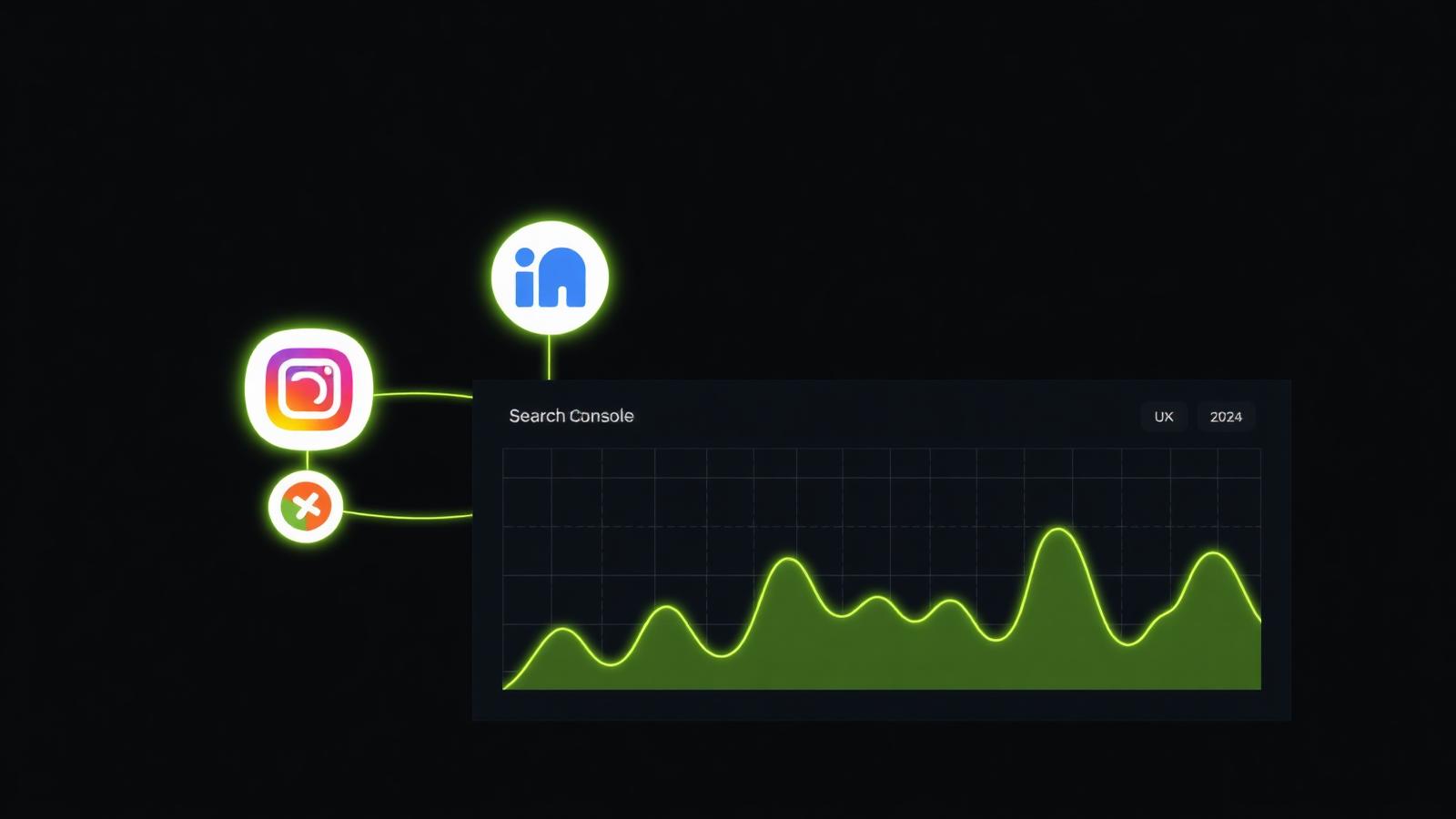
TL;DR: Google Search Console's 2026 update lets you link social profiles (LinkedIn, YouTube, Instagram, X) and see a unified view of how organic search, social discovery and brand mentions send traffic to your site. To use it well, verify your GSC property, connect each social profile from Settings → Connected accounts, then watch three metrics: branded-query growth, social-referred impressions, and audience overlap between search and social.
Key takeaways
- GSC 2026 adds a Connected accounts panel where you can link social profiles and analytics sources.
- It surfaces a new Audience report that blends search discovery, brand mentions and referral behavior.
- Small brands see the biggest gains — a linked LinkedIn or YouTube channel can lift branded-search volume within 6–8 weeks.
- You still need Google Analytics 4 for on-site behavior; GSC is about discovery, not conversion.
- Ignore vanity graphs. Watch branded impressions, CTR by device, and query-to-page match quality.
What actually changed in Google Search Console in 2026
For a decade GSC was a search-only tool: queries, clicks, impressions, coverage, Core Web Vitals. The 2026 update expands that scope in three practical ways.
- Connected accounts. You can now link official profiles from LinkedIn, YouTube, Instagram, X (Twitter), Threads and TikTok. Google uses these to verify entity ownership and to enrich your knowledge panel.
- Audience view. A new report shows how the same users move between organic search, social channels and direct brand mentions. It is not a full attribution model — think of it as a discovery heatmap.
- AI Search performance. Impressions and clicks from AI Overviews and AI Mode are now broken out separately, so you can finally tell what your content is doing inside Google's AI answers.
For founders in India — where organic search and LinkedIn together drive most B2B pipeline — this is the first time Google has stitched those signals into one dashboard.
How I connect social accounts inside GSC (step by step)
I set this up for my agency at TechTipsTool and for three client sites during the rollout. Here is the exact flow:
- Sign in at search.google.com/search-console with the Google account that owns the property.
- Confirm your Domain property is verified (not just a URL-prefix property). Domain properties are required for the new features.
- Open Settings → Connected accounts → Add account.
- Pick a platform, sign in as the profile owner, and grant read-only access. Google needs to see the profile is real and belongs to the same entity as the website.
- Repeat for every profile that represents your brand. Personal profiles do not count — use official pages.
- Wait 48–72 hours. The Audience report only populates after Google has seen at least a full crawl cycle for the linked profiles.
If your business is not on LinkedIn or YouTube, this is your prompt to create official pages — you cannot benefit from a signal you never send.
What data you actually get
| Report | What it shows | How I use it |
|---|---|---|
| Performance → Search | Classic query/click/impression data | Weekly ranking check |
| Performance → AI Search | Clicks and impressions from AI Overviews and AI Mode | Track which posts get cited |
| Audience → Discovery mix | Share of visitors reaching you via search, social, direct | Rebalance content investment |
| Audience → Overlap | Users seen in both search and a linked social profile | Confirm brand recall works |
| Connected accounts → Health | Verification status per profile | Catch broken links early |
Which metrics matter for a small brand
Most agencies drown clients in dashboards. For founders, three numbers matter.
1. Branded-query growth
Filter Performance for queries containing your brand name. If that number is climbing, your marketing (social, PR, ads) is working — regardless of what any single channel says. Branded search is the cleanest proxy for "people remember us".
2. Non-branded CTR on page one
Filter Performance for non-branded queries where you rank positions 1–10. If CTR is below 3% for position 1–3 or below 1% for position 4–10, your titles and meta descriptions are the fix — not your rankings.
3. Audience overlap with your top social channel
Open Audience → Overlap. If less than 15% of your search visitors also see you on LinkedIn or YouTube, your channels are living in silos. Cross-promote.
Common mistakes I see (and how to avoid them)
- Verifying URL-prefix instead of the domain. URL-prefix properties get a stripped-down version of the 2026 features. Verify the whole domain via DNS.
- Linking a personal LinkedIn instead of the company page. Google discards personal profile links for entity verification.
- Chasing impressions without checking query relevance. Impressions on the wrong queries (e.g. your brand name matching a common word) is noise, not growth.
- Comparing month-over-month without seasonality context. Compare same-period year-over-year for anything with weekly cycles.
- Ignoring the AI Search tab. It is where zero-click reality is measured. Add it to your monthly report from day one.
How this fits with GA4 and social analytics
GSC 2026 is not a replacement for Google Analytics 4 or LinkedIn Analytics. Think of it this way:
- GSC answers: how are people discovering us on Google and adjacent surfaces?
- GA4 answers: once they land, what do they do?
- Social platform analytics answer: what is working inside that specific network?
Use GSC as the first mile of your funnel. If discovery is broken, no amount of on-site optimization saves you.
A 30-day plan to get real value out of the update
Week 1 – Verify the domain property, link all official social profiles, set up weekly export of the Performance and Audience reports.
Week 2 – Baseline every metric: branded queries, non-branded CTR, top 20 pages by impressions, overlap percentage per social channel.
Week 3 – Fix the two lowest-CTR page-one queries (rewrite title, meta, opening paragraph). Publish one new post targeting an under-served branded question.
Week 4 – Compare the deltas. Kill any social channel where overlap stays under 5%. Double down on the one over 20%.
Do this every month. In 90 days you will have a defensible view of what actually moves your search discovery — and evidence to show your team or founder.
Why I trust this workflow
I have been doing SEO for founders in Delhi and internationally since 2019. Every time Google ships a new GSC feature, the same pattern repeats: agencies over-hype it, founders ignore it for six months, and the ones who set it up early quietly compound their advantage. The 2026 social + audience layer is the biggest expansion since Core Web Vitals. Do not wait.
If you want me to audit your GSC setup and connect it to your social stack, get in touch — I run a fixed-price audit that ships in 5 working days.
FAQ
Does the Google Search Console 2026 update work for websites outside India?
Yes. The update rolled out globally in early 2026. All features are available worldwide, though the AI Search performance breakdown initially launched in the US, UK, India and Japan before expanding.
Do I need a Google Ads account to use the new Audience report?
No. The Audience report reads from your verified property and linked social profiles only. Ads data appears in a separate section if you already have Google Ads connected.
Which social platforms can I link inside Search Console?
LinkedIn (company pages), YouTube, Instagram (business accounts), X (verified profiles), Threads, TikTok (business accounts). Personal profiles are not eligible.
Will linking social profiles help me rank on Google?
Indirectly. It does not add ranking signal weight, but it strengthens entity recognition, which improves how Google associates your brand with your services in AI Overviews and knowledge panels.
How often does the new Audience report update?
Data refreshes every 24–48 hours. The overlap and discovery mix reports have a 7-day rolling window.
What is the difference between GSC's Audience report and Google Analytics 4?
GSC's Audience report measures discovery — who is finding you across Google's surfaces and linked social channels. GA4 measures behavior — what those users do on your site. You need both.
Can I use the new AI Search performance tab to see ChatGPT citations?
No. The AI Search tab covers Google AI Overviews and AI Mode only. For ChatGPT, Gemini or Perplexity citations you need separate AEO monitoring tools.
Work with me
Want the same for your business?
I help founders in India and worldwide ship fast, SEO-ready websites that rank on Google — and get cited by AI search.
Start a projectKeep reading
Is SEO Dead in 2026? The Shift to AI Search and Citations

SEO Services in India: What Actually Works in 2026 (Post-AI-Search)
Zero-Click Is the New Baseline: Measuring SEO Success When AI Answers First
Google's 2026 Spam Update and the AI-Content Crackdown: What Actually Got Hit
Core Web Vitals 2026 — LCP, INP, CLS Explained (with India Fixes)